laptop touchpad not working after Windows 11 update
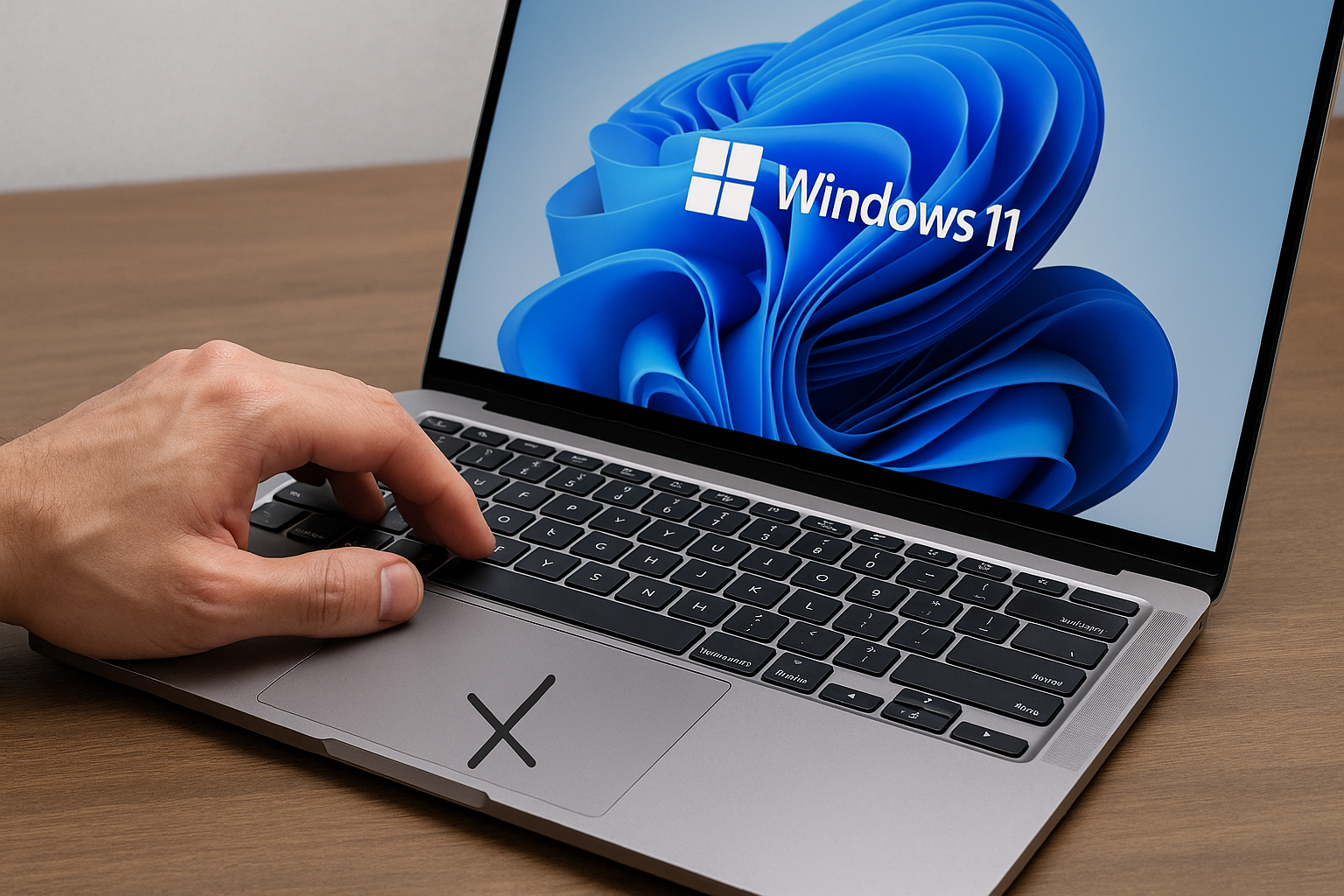
Fix Windows 11 Touchpad Not Working: Resolve Common Driver Conflict
Upgraded to Windows 11 and now your touchpad’s vanished? Let’s bring it back in 60 seconds!
Why Did My Touchpad Stop Working?
You’re not alone. Many users report that after a Windows 11 update, their touchpad disappears or acts up. The usual culprit? A driver conflict. Windows might swap your Synaptics or ELAN driver for a generic PS/2 driver, effectively disabling advanced touchpad features.
One reader, Sarah, updated her Surface Laptop and—poof—no more scrolling or gestures. Sounds familiar?
Quick Fix: Roll Back or Reinstall Touchpad Driver
- Press
Win+X, then pressMto open Device Manager. - Expand “Mice and other pointing devices”.
- Right-click your touchpad entry (e.g., “Synaptics TouchPad”) and select “Properties”.
- Go to the “Driver” tab and click “Roll Back Driver”.
- If it’s greyed out, choose “Uninstall Device” and check “Delete the driver software for this device”.
- Reboot. Windows will auto-reinstall the correct driver.
Driver mix-ups can tuck your touchpad away.
Advanced: Clean Out Old Touchpad Drivers
Get-PnpDevice -FriendlyName "*touchpad*" | ForEach-Object {
  pnputil /remove-device $_.InstanceId
}
Restart-Computer
This PowerShell snippet forces removal of lingering touchpad drivers.
Common Mistakes to Avoid
- Skipping the Roll Back option and jumping straight to Settings.
- Forgetting to delete old driver files—Windows may reapply the bad one.
- Downloading random drivers from untrusted sites.
Short, Punchy Insights
- Video hook: “Roll back your driver in 3 clicks.”
- Video hook: “A generic PS/2 driver just hid your touchpad!”
FAQ
1. My touchpad still won’t work after reinstalling. Now what?
Check Windows Update for a newer OEM driver under Settings > Windows Update > Optional updates. Install any touchpad or firmware updates available.
2. How do I enable touchpad in Windows Settings?
Go to Settings > Bluetooth & devices > Touchpad and toggle it on. If it’s missing, you likely need that driver rollback or reinstall.
3. Can a BIOS update fix touchpad issues?
Yes. Some laptops require a BIOS or chipset update to support the latest Windows 11 touchpad driver. Check the manufacturer’s support site.
Conclusion
Don’t let a Windows 11 update silence your touchpad. A quick driver rollback or clean reinstall usually does the trick. In under a minute, you’ll be scrolling and tapping like before.

Comments
Post a Comment