how to clear android app cache automatically every day
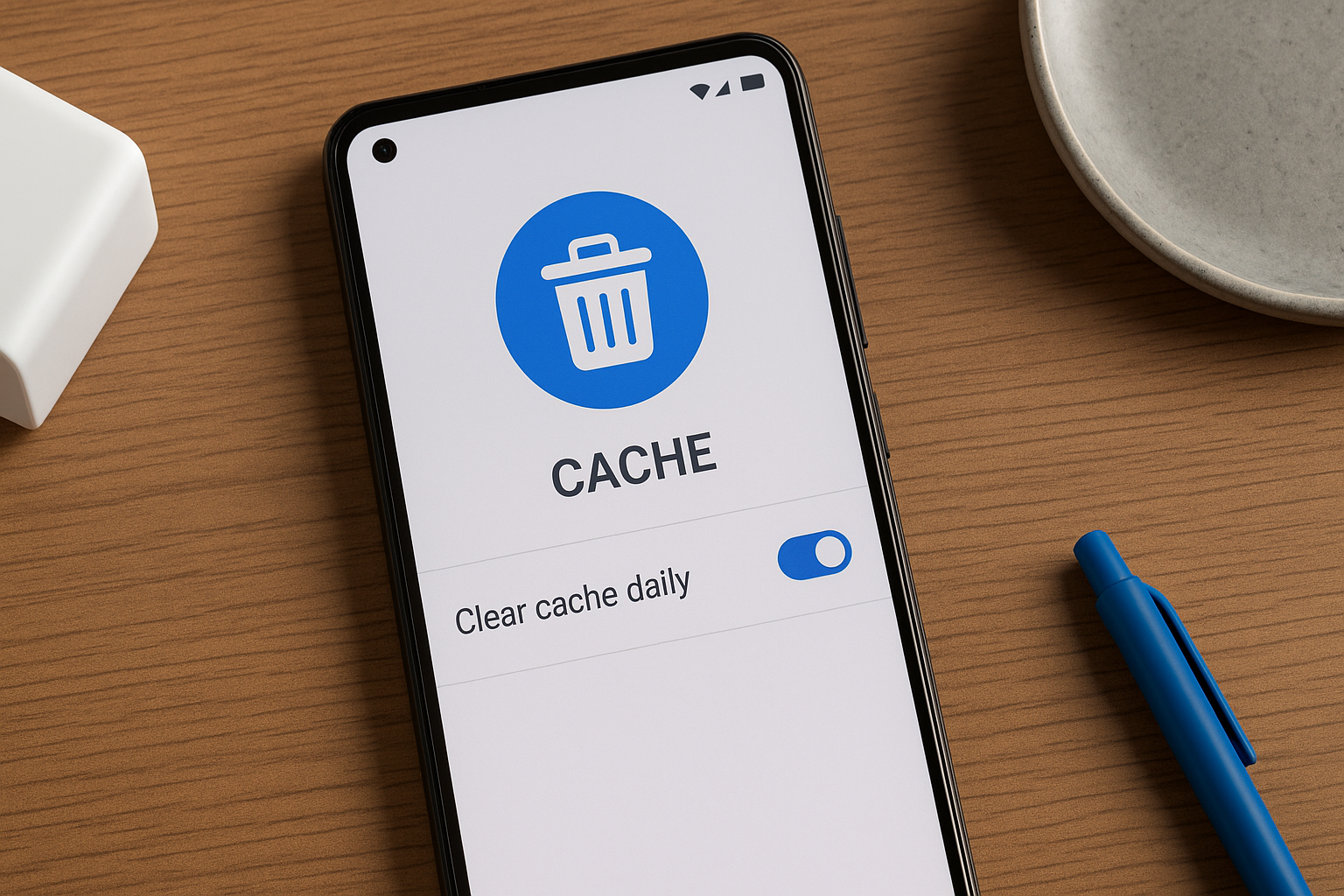
How to Automatically Clear Android App Cache Daily Using MacroDroid and AutoInput
Want your phone to clean its own cache every morning? I’ll show you how in 3 taps—no root needed!
Why Clearing Cache Matters
Ever noticed apps lag or images load slowly? Cached data piles up over time, acting like digital clutter under your couch cushions. A quick daily wipe keeps your phone feeling fresh and snappy.
What You’ll Need
- MacroDroid (free, allows up to 5 macros)
- AutoInput plugin (free trial available)
- Android 7.0+ (Settings menu may vary slightly by OEM)
Quick Setup: 3 Taps to Daily Cache Clean
- Open MacroDroid and tap Add Macro. Select Trigger > Time of Day, set it to 08:00, then OK.
- Under Actions, tap Add Action > Launch App and choose Settings.
-
Still in Actions, tap Add Action > AutoInput Action:
- Type: Text Click
- Text to click: Storage
- Repeat for “Cached data” and then the “OK” button.
// Sample AutoInput sequence
1. Launch App: Settings
2. AutoInput Text Click: "Storage"
3. Wait: 300 ms
4. AutoInput Text Click: "Cached data"
5. Wait: 300 ms
6. AutoInput Text Click: "OK"
Now your phone will automatically navigate to the right screens and clear cached data every morning at 8 AM. No root. No manual taps.
Tasker Alternative
If you’re a Tasker fan, the concept is identical. Use Send Intent or Launch App for Settings, then layer in AutoInput clicks. Pro tip: Secure Settings plugin (with root) offers a Trim Cache action for a one-step cache clear.
Punchy Insights for Shorts
- "3 taps. Under 60 seconds. Zero root."
- "Your phone self-cleans every morning—like a Roomba for digital junk."
Common Pitfalls
- If “Storage” or “Cached data” labels differ, tweak the AutoInput text or use screen coordinates.
- Too-short waits can cause missed clicks. Start with 300 ms and adjust if needed.
FAQ
Do I need root access?
Nope. AutoInput uses Accessibility to drive the taps—no root required.
Will this work on my Android skin (Samsung One UI, OxygenOS)?
Yes, but menu names can shift. Just update the exact text in each AutoInput step.
Can I clear cache for specific apps only?
You’d need extra AutoInput steps to open each app’s info page. Better to wipe all cached data at once.
What if MacroDroid’s free limit is reached?
MacroDroid allows 5 macros for free. If you hit the limit, either delete old macros or switch to Tasker’s trial.
Conclusion
In under a minute, you’ve set up a hidden shortcut that wipes cache daily—no rooting, no sweat. Enjoy consistently fast app loads and more free space, automatically.


Comments
Post a Comment