how to clean smartphone screen without leaving streaks
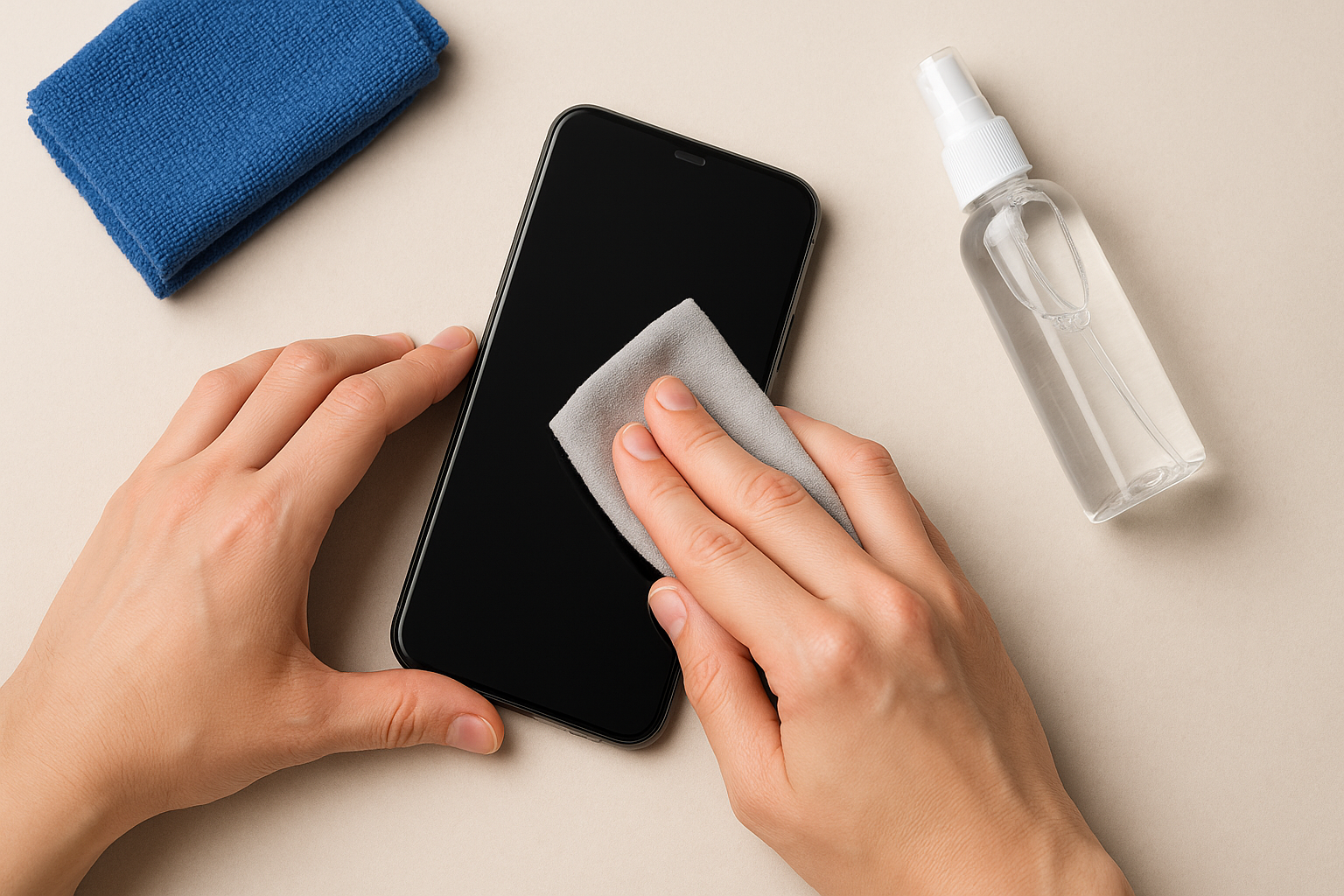
How to Clean Your Smartphone Screen Without Leaving Streaks: A Beginner's Guide
Keeping your smartphone screen clean improves visibility, touch sensitivity, and overall hygiene. In this guide, you'll learn a simple, step-by-step method to achieve a streak-free shine using common household items.
Why a Streak-Free Clean Matters
Smudges and fingerprints not only look unsightly but can also harbor bacteria. A properly cleaned screen ensures:
- Clearer display and better readability
- Improved touch responsiveness
- Longer lifespan of oleophobic coatings
Materials You Will Need
- Microfiber cloth (lint-free)
- Distilled water
- Isopropyl alcohol (70% or less)
- Small spray bottle
- Optional: Screen protector (for added scratch protection)
Step-by-Step Cleaning Guide
- Power off your smartphone.
1. Press and hold the power button. 2. Tap "Power off". 3. Wait until the screen goes dark. - Remove the case (if applicable) to expose all edges and prevent liquid from becoming trapped.
- Prepare the cleaning solution.
Cleaning Solution Recipe: - 50% distilled water - 50% isopropyl alcohol (70% or less) Shake gently to combine. - Lightly mist the microfiber cloth.
Tip: Never spray directly on the screen to avoid liquid seeping into the device. - Wipe the screen using gentle, circular motions:
- Start from the center and move outward.
- Maintain light, even pressure.
- Buff the screen dry:
- Switch to a dry part of the cloth.
- Wipe in straight lines from edge to edge.
- Allow the screen to air dry for 1–2 minutes before powering it back on.
Tips for Streak-Free Results
- Always use a clean, lint-free microfiber cloth.
- Avoid paper towels or abrasive fabrics that can scratch the surface.
- Store your cloth in a sealed bag to keep it dust-free.
FAQ
Can I use regular household cleaners?
No. Ammonia, window cleaners, and bleach can degrade the oleophobic coating and damage your screen. Stick to diluted isopropyl alcohol and distilled water.
How often should I clean my screen?
For daily users, a weekly cleaning routine maintains clarity and hygiene. Increase frequency if you notice visible smudges or fingerprints.
What if I still see streaks after cleaning?
Wipe again with a fresh section of your microfiber cloth, using light pressure. Avoid over-saturating the cloth, which can cause streaking.
Conclusion
Cleaning your smartphone screen without streaks is quick and easy when you use the right materials and follow a consistent technique. Regular maintenance not only keeps your display crystal clear but also protects the device’s sensitive coatings. Follow this guide for a spotless, streak-free screen every time.
Comments
Post a Comment