clean laptop fans safely at home without disassembly
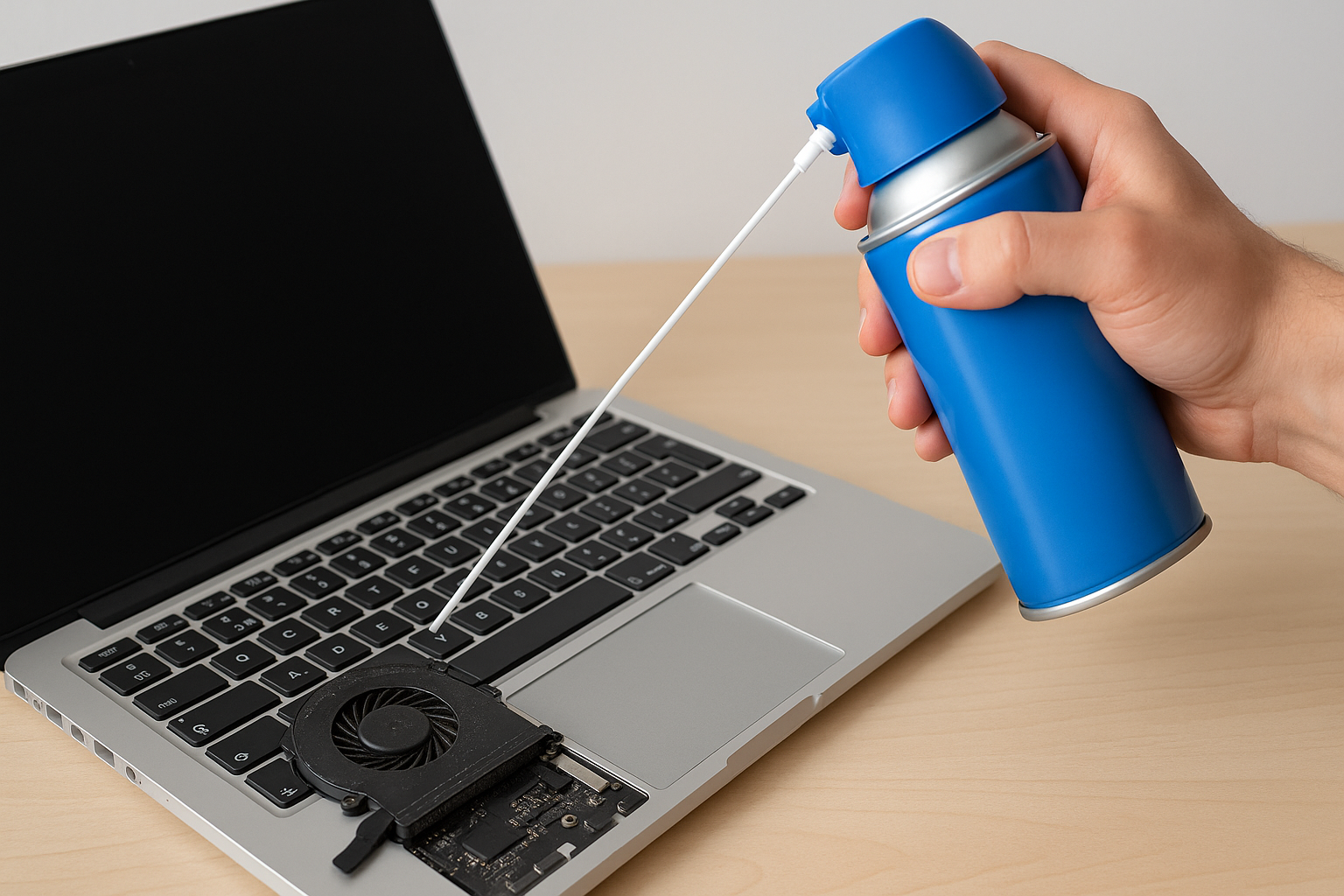
Clean Laptop Fans Safely at Home Without Disassembly
Think you have to rip your laptop apart to clean the fans? Here’s how to blast the dust out in 30 seconds—no screwdrivers required!
Why You Don’t Need to Open Your Laptop
I used to pop open my old laptop every few months. It was dusty, loud and a total pain. Then I discovered that a quick blast of compressed air through the vents does the trick. No warranty worries. No tiny screws rolling on the floor.
Tools You’ll Need
- Compressed air duster with a straw nozzle
- Microfiber cloth
- Anti-static wrist strap (optional, but safe)
Step-by-Step Cleaning Guide
- Power off your laptop and unplug the charger.
- Hold the laptop at a 45° angle to expose air intake and exhaust vents.
- Fit the straw onto the can’s nozzle and aim it into each vent.
- Squeeze 5-second bursts of air. Wait 10 seconds between bursts to avoid moisture buildup.
- Gently wipe away loosened dust from the vents with the microfiber cloth.
- Rotate the laptop and repeat on all sides.
# Quick cleaning routine pseudocode
burst_time=5    # seconds per burst
pause_time=10   # seconds pause
repeats=3       # bursts per vent

for i in $(seq 1 $repeats); do
  echo "Burst $i: spraying compressed air..."
  sleep $burst_time
  echo "Pause: let moisture clear..."
  sleep $pause_time
done
Quick Video Hook Ideas
- Watch dust shoot out in 3…2…1…—no teardown needed!
- This 30-second trick saved my laptop from overheating.
Frequently Asked Questions
-
Q: Will compressed air damage my fan?
A: Not if you use short bursts and keep the can upright. Never spin the fan too fast. -
Q: How often should I clean my vents?
A: Every 2–3 months with daily laptop use. More often if you have pets or smoke around your workspace. -
Q: Can I use a vacuum cleaner instead?
A: No. Vacuum pressure can be too strong and may harm internal components. Stick to compressed air.
Conclusion
No need to dismantle your laptop. A can of compressed air, a cloth and 30 seconds are all you need to keep fans dust-free and quiet. Do this regularly, and your laptop will thank you with cooler temps and longer battery life.


Comments
Post a Comment